
The Avision DF-0707S digital copier user manual provides installation, operation, maintenance and technical specifications.
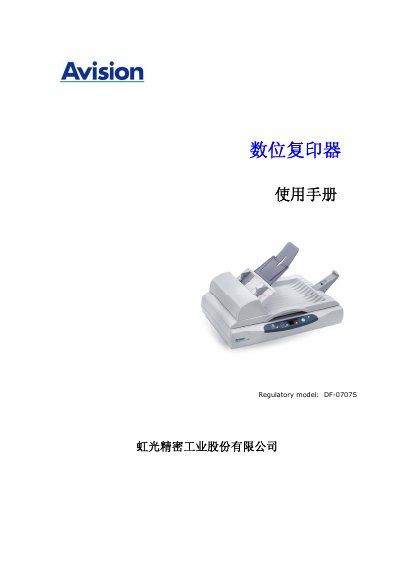
This manual introduces the Avision DF-0707S digital copier, describing its key features and how to set up the device safely. It covers unpacking, connecting to a computer, installing drivers, and configuring the scanner and copier functions.
Detailed sections guide users through first‑time scanning, copying procedures, paper handling, maintenance tasks, troubleshooting common issues such as paper jams, and provide the full product specifications for reference. This manual is written in Chinese.
| Model | DF-0707S |
|---|---|
| Paper feeding method | Automatic feeder / platen |
| Optical resolution | 600 dpi |
| Memory capacity | 32 MB |
| Interface | USB 2.0 |
| Dimensions (W×D×H) | 177 mm × 445 mm × 332 mm |
| Weight | 4.8 kg |
| Power requirement | 24 VDC, 0.84 A |
| Operating temperature | 10 °C ~ 35 °C |
| Scan speed (black‑white, 200 dpi, A4) | 10 ppm |
| Copy speed (black‑white) | 25 cpm |
Open the automatic feeder front door, gently pull out the jammed paper, close the door, flatten the paper edges and re‑insert the paper before using the device again.
A PC with a Pentium III 600 MHz or faster, Windows 98SE/2000/XP, at least 100 MB free disk space, 128 MB RAM, a USB 2.0 (compatible with USB 1.0) port, a VGA monitor, a mouse, and an optical drive.
The device requires a 24 VDC power supply drawing 0.84 A and consumes less than 36 W.
The scanner provides a maximum optical resolution of 600 dpi.