
This manual describes the installation, use and maintenance of the FF-0506/FF-0508/FF-0608S sheet-fed document scanner, and provides tips for use.
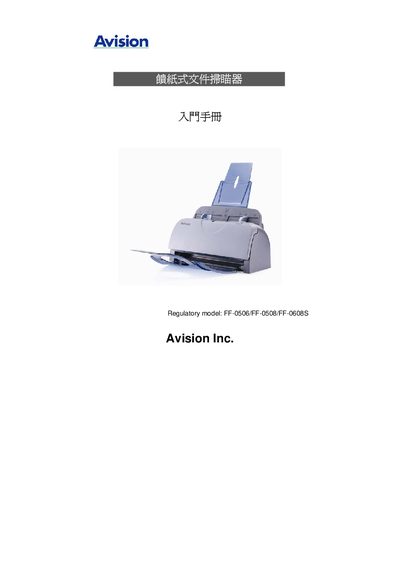
This guide introduces the Avision FF-0506/FF-0508/FF-0608S sheet‑fed document scanners and walks you through unpacking, hardware setup, driver installation and connecting the scanner to a PC. It also explains how to place documents, run the first scan and use the scanner‑property dialog for image adjustments.
Later sections cover button functions, routine maintenance, how to clear paper jams, common error messages and detailed product specifications such as optical resolution, feeder capacity and power requirements. This manual is written in Chinese.