
This document describes the features and characteristics of the AM6120 Color MFP i, as well as some cautions and warnings. The document also mentions copyright and trademark information related to the product.
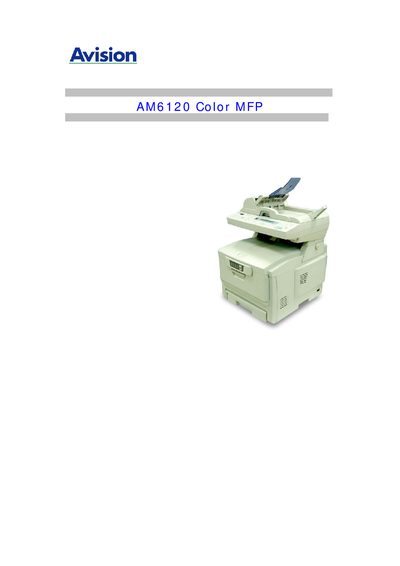
This manual guides users through the installation, configuration, and daily operation of the Avision AM6120 Color MFP. It includes safety warnings, pre‑installation requirements, and detailed steps for connecting power, network, and drivers.
Key sections cover color printing settings, scanning to e‑mail or FTP, troubleshooting common issues, and specifications such as paper capacity and component lifetimes. The document also provides reference tables for network parameters and an index for quick navigation.
| Face‑down stacker capacity | 250 sheets @ 80 g/m² |
|---|---|
| Face‑up stacker capacity | 100 sheets @ 80 g/m² |
| Printer life | 420,000 pages or 5 years |
| Duty cycle (max) | 20,000 pages per month |
| Duty cycle (average) | 4,000 pages per month |
| Toner life | 3,000 pages at 5 % coverage |
| Image drum life | 14,000 pages (typical office usage) |
| Belt life | 50,000 A4 pages at 3 pages per job |
| Fuser life | 45,000 A4 pages |
Only the AC adapter Model ADP-50ZB from Delta Electronics that is included with the equipment should be used; other adapters may cause electric shock or fire.
The printer can handle up to 20,000 pages per month as a maximum duty cycle, with a typical average of 4,000 pages per month.