
The Avision AT100 is a compact color single‑feed document scanner with a 25‑page ADF, 15 ppm speed and USB 2.0 interface.
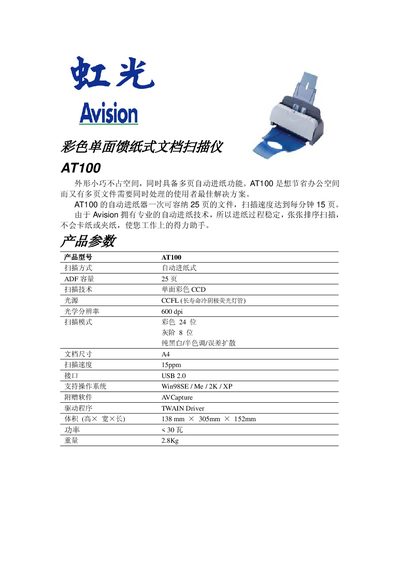
The Avision AT100 is a small‑footprint color scanner designed for office spaces where multiple pages need to be processed quickly. It features an automatic document feeder (ADF) that holds up to 25 sheets and scans at 15 pages per minute.
Equipped with CCD optics, a CCFL light source, and 600 dpi optical resolution, the AT100 supports A4 documents in color (24‑bit) or grayscale (8‑bit). It connects via USB 2.0 and includes drivers for Windows 98SE, Me, 2000 and XP, along with the A VCapture TWAIN software. This manual is written in Chinese.
| Model | AT100 |
|---|---|
| Scanning method | Automatic feeder (ADF) |
| ADF capacity | 25 pages |
| Scanning technology | Single‑sided color CCD |
| Light source | CCFL (long‑life cold cathode fluorescent lamp) |
| Optical resolution | 600 dpi |
| Scan mode | Color 24‑bit, Grayscale 8‑bit, Black‑white / halftone / error diffusion |
| Document size | A4 |
| Scan speed | 15 ppm |
| Interface | USB 2.0 |
| Supported operating systems | Windows 98SE / Me / 2000 / XP |
| Included software | A VCapture TWAIN driver |
| Dimensions (H×W×D) | 138 mm × 305 mm × 152 mm |
| Weight | 2.8 kg |
The AT100’s automatic document feeder can hold up to 25 pages.
It scans at a rate of 15 pages per minute (15 ppm).
The scanner works with Windows 98SE, Me, 2000 and XP.
It connects via a USB 2.0 interface.