
This manual describes how to install, use, and maintain the FF-0608S Feeder Type Document Scanner.
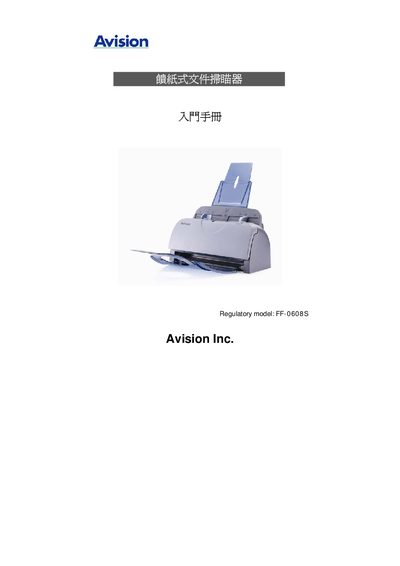
This Quick Start Guide provides the essential steps to install and operate the Avision FF-0608S sheet‑fed document scanner. It lists system requirements such as Windows 98SE/2000/XP, a Pentium III 600 MHz CPU, 128 MB RAM, and a USB 2.0 interface, and explains how to connect the scanner via USB and power it with a 24 V, 2 A supply.
The guide also details scanning basics, including the maximum resolution of 600 dpi, supported paper sizes up to 8.5" × 14", and handling weights from 16 lb to 28 lb. Troubleshooting tips, contact information, and service details are provided at the end of the document.