
This manual covers the installation, operation, maintenance, and specifications for the Avision MF3200, MF3100L, and MF3230 multifunction printers.
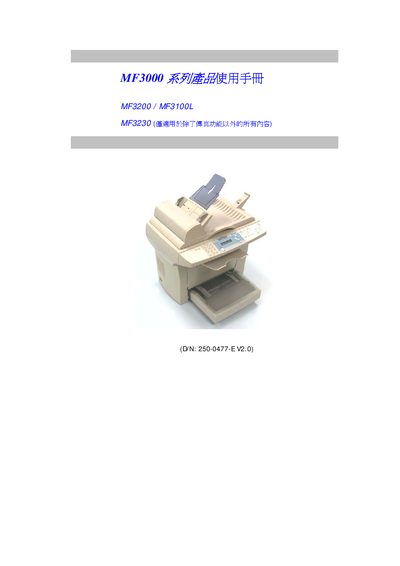
This user manual provides comprehensive instructions for the Avision MF3000 Series multifunction printers, specifically the MF3200, MF3100L, and MF3230 models. It covers hardware identification, installation steps, software setup, and detailed operation guides for copying, scanning, and printing functions. The document also includes troubleshooting for common error messages and maintenance procedures such as cleaning and replacing consumables. This manual is written in Chinese.
| Optical Scan Resolution | 1200 dpi |
|---|---|
| Print Speed (MF3200) | 21 ppm (LTR) |
| Print Speed (MF3100L) | 17 ppm (LTR) |
| Copy Speed (MF3200) | 20 ppm (LTR) |
| Copy Resolution | 600 dpi |
| Paper Capacity | 250 sheets |
| Toner Yield | 3000 / 6000 pages |
| Drum Life | 20,000 pages |
The MF3200 can print up to 21 pages per minute on LTR paper.
The optical scan resolution is 1200 dpi.
It indicates that the paper tray is empty and needs to be refilled.
The toner cartridge has a lifespan of 3000 or 6000 pages depending on coverage.