
User manual for Avision multi-function copiers AM7630i, AM7640i, AM5630i, and AM5640i covering setup, operation, scanning, maintenance, and safety.
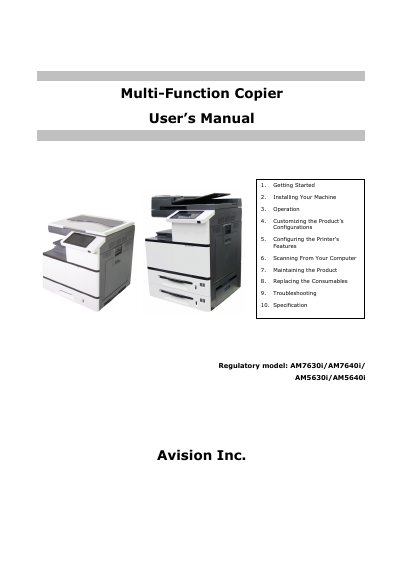
This manual provides step-by-step instructions for installing, operating, and maintaining Avision’s AM7630i, AM7640i, AM5630i, and AM5640i multi-function copiers. It includes safety warnings, setup procedures, scanning from a computer, consumable replacement, troubleshooting, and technical specifications. Safety precautions cover electrical hazards, fire risks, and proper disposal. The document also addresses regulatory compliance with FCC and EU standards, including CE marking and RoHS directives.
| Regulatory Model | AM7630i/AM7640i/AM5630i/AM5640i |
|---|
Do not dispose of it with household waste; send it to appropriate facilities for recovery and recycling to protect human health and the environment.
The machine prohibits copying bank bills, revenue stamps, bonds, stock certificates, bank drafts, checks, passports, and driver's licenses.
You must use a no.26AWG or larger telecommunication line cord.
The vent hole must be kept at least 10 cm away from the wall.