
User manual for the Avision FL-1912H mobile scanner, covering safety, system requirements, operation, and technical support.
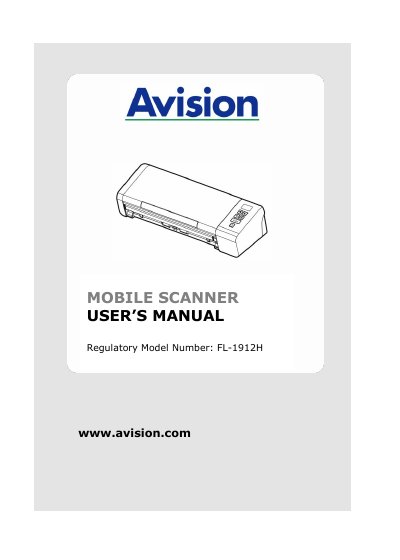
This document is the User's Manual for the Avision FL-1912H Mobile Scanner. It provides essential information regarding regulatory compliance, safety instructions, and system requirements for the device. The manual details the specifications for compatible operating systems, including Windows and Mac OS, and outlines the necessary hardware configurations such as CPU and memory requirements.
| Document Size (ADF) | 50 x 50 mm to 216 x 356 mm |
|---|---|
| Document Weight (ADF) | 27 ~ 120 g/m2 |
| Document Thickness (ADF) | up to 1.25 mm |
| Compatible OS (Windows) | Windows 7, 8, 10 |
| Compatible OS (Mac) | Mac OS X 10.6 or later |
| Memory Requirement (Windows) | 2 GB (32 bit) / 4 GB (64 bit) |
Use only the AC power adapter that came with your device to avoid fire, electrical shock, or injury.
The equipment should be operated with a minimum distance of 20 cm between the radiator and your body.