
User manual for the Argox OS-214plus desktop barcode printer, covering installation, operation, and technical specifications.
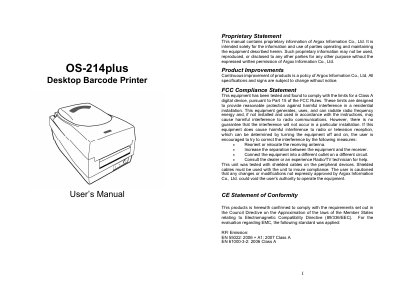
The Argox OS-214plus is a desktop barcode printer designed for label printing. This manual provides comprehensive instructions for unpacking, connecting power, loading ribbons and media, and installing printer drivers.
| USB Interface | USB 2.0 Full Speed |
|---|---|
| Serial Interface | Female, DB-9 |
| Parallel Interface | Standard 36-pin Centronics (IEEE 1284) |
Press and hold the Feed Button while turning on the power.
A blinking light indicates that an error has occurred.
The printer offers Standard mode for free label collection and Cutting mode for automatic cutting after printing.