
This document is about the OS-2130D and OS-2130DE printers user manual, introduces the characteristics and usage of the printer.
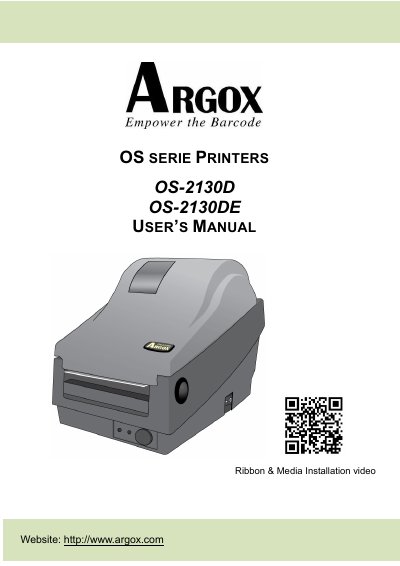
This user's manual covers the Argox OS-2130D and OS-2130DE printers, made by Argox Information Co., Ltd. It helps users get to know the new printer and provides information needed for operation and maintenance.
Topics include unpacking, printer overview, attaching power, loading media, printer operations, controls and indicators, troubleshooting, communications interfaces, printer care, and product specifications.
| Adapter output | 24VDC, 2.4A |
|---|---|
| Internal fonts | 9 fonts with different point size |
| ASD smooth fonts | 6 fonts |
| Graphics formats | PCX, BMP, IMG, HEX, GDI |
| Bar code types | Code 39, UPC-A, UPC-E, Code 128, EAN-13, EAN-8, and others |
The OS-2130D rear view includes a cash drawer port, power jack, USB, and RS-232 serial.
The OS-2130DE rear view includes Ethernet in addition to the cash drawer port, power jack, USB, and RS-232 serial.
The adapter output is 24VDC, 2.4A.