
This document is a user manual for the barcode label printers WP-660, WP-666, WP-880, WP-888, WL-660, WL-666, WL-880, WL-888, WLP-660, and WLP-666. The printer series supports high-speed printing with fast printing speed and various accessories. The printers also feature external storage space and multiple interface options, facilitating increased productivity and efficiency for businesses.
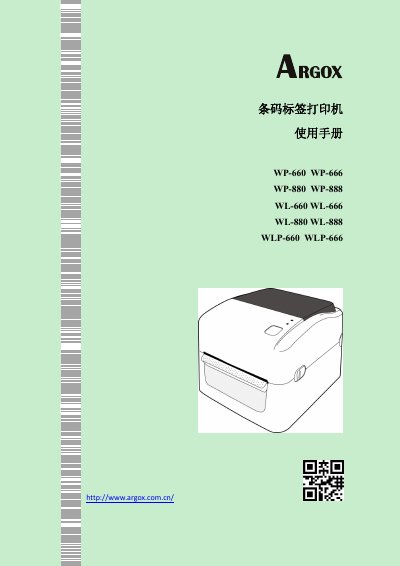
This user manual provides instructions for the Argox WP/WLP/WL series of thermal barcode label printers. It covers product introduction, packaging contents, printer structure, and detailed operating procedures including power connection, paper loading, and sensor calibration.
The guide also includes sections on printer maintenance such as cleaning the print head and rollers, troubleshooting common issues like paper jams or transmission errors, and technical specifications regarding printing speed, supported barcode formats, network capabilities, and environmental requirements. This manual is written in Chinese.
| Resolution | 203 dpi or 300 dpi |
|---|---|
| Max Print Speed | Up to 7 ips (WP-880/WL-888) |
| Internal Flash Memory | 16 MB |
| Max External USB Drive Size | 16 GB |
| Operating Temperature | 5 °C ~ 40 °C |
The WP-660/WL-660 series supports up to 6 ips, while the WP-880/WL-888 series supports up to 7 ips.
The printer supports external USB drives with a maximum capacity of 16 GB.
The printer should be operated within a temperature range of 5 °C to 40 °C.