
This document is the user manual for CP-2140 and CP-2140E printers, which introduces the usage and operation steps of the printers, including opening the package, loading paper and ribbon, printer operation, etc. It also includes product specifications and maintenance guide.
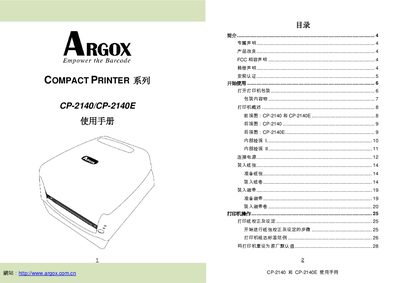
This manual provides step‑by‑step instructions for installing, configuring, and operating the Argox CP‑2140 and CP‑2140E compact printers. It includes safety notices, unpacking checks, and guidance for loading media and ribbons.
The document also details all available interfaces (parallel, USB, RS‑232, Ethernet), indicator lights, pin‑out tables, communication settings, and troubleshooting tips for reliable printing in industrial environments. This manual is written in Chinese.
| Data format | 8 data bits, 1 start bit, 1 stop bit |
|---|---|
| Flow control | XON/XOFF and CTS/RTS (hardware) |
| Parallel (Centronics) connector pinout | 1 In n/STROBE – 16 Ground, 2‑9 In Data, 10 Out nACK, … |
Use the 36‑pin Centronics connector; pin 1 is In n/STROBE, pin 16 is Ground, pins 2‑9 carry data, and pins 10‑12 provide status signals as shown in the pinout table.