
Key facts
- Brand
- Argox
- Model
- OS-214plus
- Category
- Other products
- Industry
- Electronics
- Documents
- 2
- Languages
- EN
- Last added
- 2026-11-15
Start here
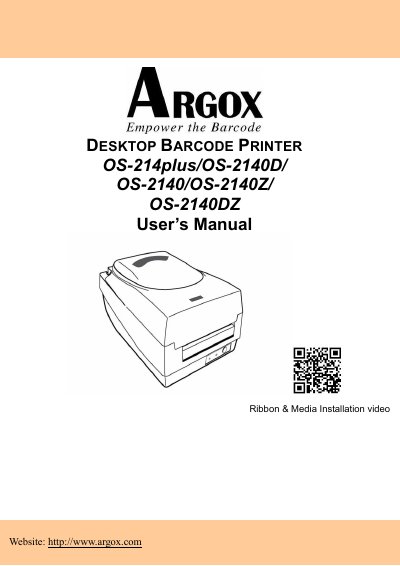
Argox OS-214plus/OS-2140D/OS-2140/OS-2140Z/OS-2140DZ Desktop Barcode Printer User's Manual
This manual provides comprehensive instructions for the Argox OS-214plus, OS-2140D, OS-2140, OS-2140Z, and OS-2140DZ desktop barcode printers. It covers the entire lifecycle of the device, from unpacking and connecting the power supply to loading ribbon and media. The guide includes detailed sections on operating the printer in Standard and Cutter modes, configuring sensors, and troubleshooting common issues using LED diagnostics.
Read onlineArgox OS-214plus specifications
| USB Interface | USB 2.0 Full Speed |
|---|---|
| Serial Interface | Female, DB-9 |
| Parallel Interface | Standard 36-pin Centronics (IEEE 1284) |
Source: Argox OS-214plus Desktop Barcode Printer User Manual
All Argox OS-214plus documents by type
Day-to-day operation, settings and troubleshooting. Start here if the product is already set up.
Questions answered in these manuals
How do I print a configuration profile?
Press and hold the Feed Button while turning on the power.
What does a blinking power indicator mean?
A blinking light indicates that an error has occurred.
What are the electrical characteristics of the power supply?
The output is 24VDC at 2.4A.
From: Argox OS-214plus/OS-2140D/OS-2140/OS-2140Z/OS-2140DZ Desktop Barcode Printer User's Manual
How do I correct interference if the printer causes radio or TV reception issues?
Try reorienting the antenna, increasing separation, changing the outlet, or consulting a technician.
From: Argox OS-214plus/OS-2140D/OS-2140/OS-2140Z/OS-2140DZ Desktop Barcode Printer User's Manual