
Quick Installation Guide for DX4 Series Barcode Label Printers

This is a quick installation guide for a label printer. It introduces the features and installation methods of the product.
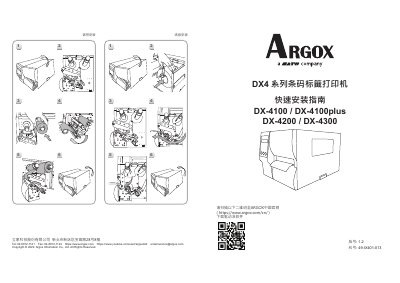

Quick Installation Guide for DX4 Series Barcode Label Printers - cover page
Brand
Argox
Category
Printer
Document type
Quick Start Guide
Language
Chinese
Pages
2
File format
PDF
File size
551 KB
Published
16 October, 2023
Updated
16 October, 2023
MD5 checksum
40388657E7BB025E1866BC3EF453B2F6

About this manual

This document serves as a Quick Installation Guide for the Argox DX Series of barcode label printers. It provides an overview of the front panel controls, including functions like Feed, Pause, Cancel, and Print, applicable to all listed models.

The guide details the connectivity options available on these devices, distinguishing between standard and parallel/GPIO/Wi-Fi variants. It lists supported interfaces such as USB Type A/B, RS232 serial ports, and AC power connections. This manual is written in Chinese.

What's inside

  • Front Panel Controls
  • Connectivity Interfaces
  • Power Connection
  • Model Variants

Frequently asked questions

What is the Argox DX Series Barcode Label Printer used for?

It is a barcode label printer designed for printing labels.

How many USB Type A ports are available on the DX-4100plus/DX-4200/4300 models?

There is one USB Type A port.

What power connection options are provided for the printer?

The printer includes an AC power input and output jack.

Download PDF (551 KB)

More Argox Manuals


View all Argox manuals →