
This document is the quick start guide of Argox AR-3100/AR-3200, which introduces the features and characteristics of the product, such as the supported barcode types
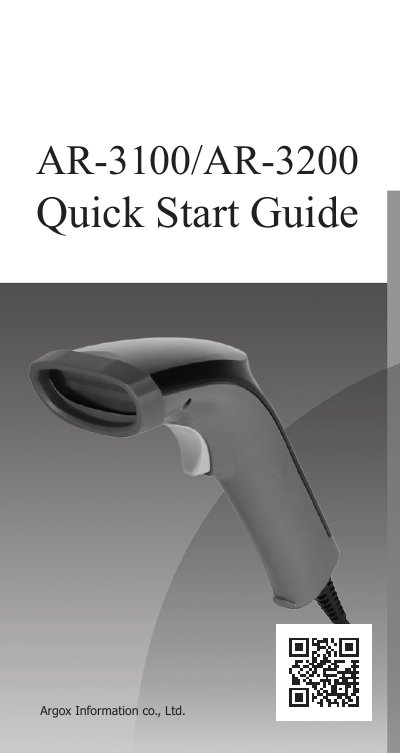
This guide helps users set up the Argox AR-3100/AR-3200 barcode printer by connecting it via USB, RS-232, or RJ45. It covers interface settings, scan modes, keyboard layouts, and barcode support including Code128, GS1-128, and EAN-13. The printer auto-detects connections and defaults to standard configurations for easy initial use.
The guide also explains how to test the scanner with text programs like Notepad, adjust baud rates and flow control, and configure suffix characters. Barcode support is extensive, with default activation for many standards and manual activation for others like Industrial 2 of 5 or GS1 Databar. This manual is written in Chinese.
Plug the RJ45 connector into the scanner’s RJ45 port, then connect USB or RS-232 to your computer. If using a power supply, connect it to the RS-232 cable and wall outlet.
USB or RS-232 connector.
115200 bps.