
This quick installation guide introduces the basic functions and usage methods of the ARGOX CP-2140/CP-2140M/CP-3140L desktop bar code printer, including installing the printer, connecting the power, installing the driver, printing a test page, and using the bar code printer.
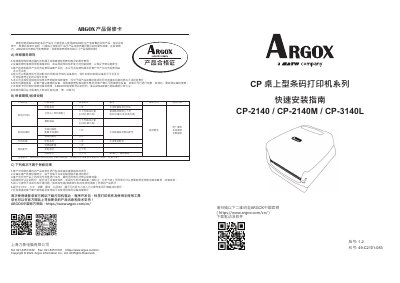
The document outlines the warranty policy for AROX barcode printers sold in mainland China. It specifies that hardware failures occurring under normal use within the warranty period are covered by free repair or replacement of parts. The warranty does not cover damages caused by unauthorized modifications, improper packaging during shipping, misuse of non-original consumables, or external environmental factors such as power surges. This manual is written in Chinese.
The warranty does not cover damages from unauthorized modifications, improper packaging during shipping, or misuse of non-original consumables.
Customers within 30 kilometers of an authorized service center receive free repairs.