
Argox ME-2140/ME-3140 Barcode Printer Quick Installation Guide

This is a ME-2140 / ME-3140 Quick Installation Guide, which introduces the installation of ribbon, paper roll, interface, etc.
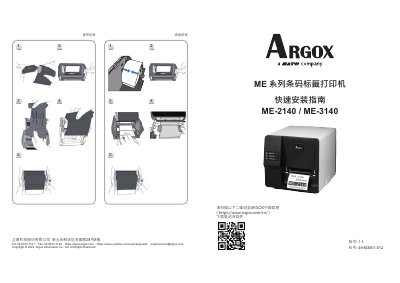

Argox ME-2140/ME-3140 Barcode Printer Quick Installation Guide - cover page
Brand
Argox
Category
Printer
Document type
Quick Start Guide
Language
Chinese
Pages
2
File format
PDF
File size
648 KB
Published
16 October, 2023
Updated
16 October, 2023
MD5 checksum
E54B9947C3191A123B46C20D2F02E49E

About this manual

This document is a Quick Installation Guide for the Argox ME-2140 and ME-3140 barcode printers. It provides instructions for downloading drivers and software from the Argox China website via a QR code. The guide includes a diagram of the printer's front panel, identifying key components such as the USB port, RS232 port, power switch, feed button, pause button, and cancel button. This manual is written in Chinese.

What's inside

  • Front Panel Diagram
  • Port Connections
  • Button Functions
  • Driver Download
  • Power Switch
  • Feed Button
  • Pause Button
  • Cancel Button

Frequently asked questions

What is the model number of this barcode printer?

The document covers the ME-2140 and ME-3140 models.

Download PDF (648 KB)

More Argox Manuals


View all Argox manuals →