
This manual introduces the basic operation methods of Canon MF2900/3900 fax machine, including how to set up one-touch dialing, speed dialing, fax files, check meter or print reports
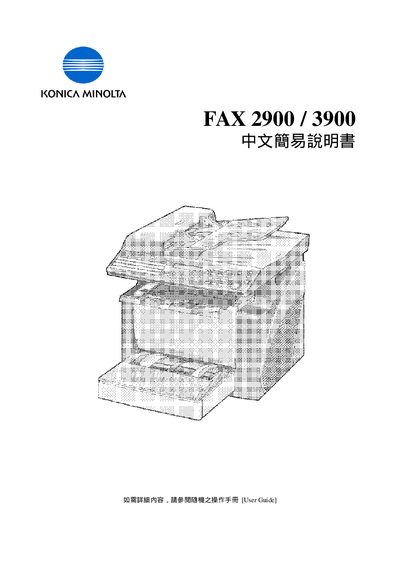
This guide explains how to operate the Konica Minolta Fax 2900 and 3900 models. It covers the main menu items such as Utility, Printer, Auto/Photo, Status, Paper, Zoom, Sort, and more, showing how to navigate each function.
Additional sections describe advanced features like Speed Dial, Phone Book, Broadcast, and Timer TX, as well as how to perform actions such as starting a fax, resetting the panel, and using the memory functions. The manual is written in Chinese and includes contact information for Konica Minolta Business Solutions (HK) Limited.
Press the Start key on the fax machine.
Select the Panel Reset option from the menu.
Speed Dial is listed as a menu item under the function list.