
This document introduces the specifications, installation and connection information of KONICA MINOLTA's IU TOP and TC TOP printers
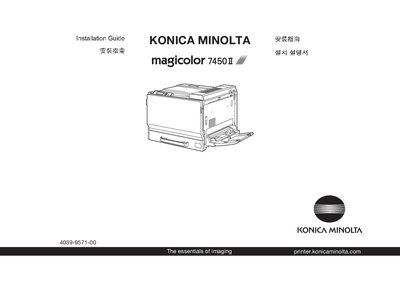
This guide walks you through the installation of the Konica Minolta magicolor 7450I printer, covering required space, safety precautions, and initial setup procedures. Before beginning, review the safety information and ensure the printer is placed in an appropriate location.
The manual also includes troubleshooting tips, instructions for replacing consumables, and basic operating guidance to help you get the printer up and running efficiently. This manual is written in Chinese.
| Maximum paper capacity | 500 sheets |
|---|---|
| Supported paper weight | 64‑90 g/m² (17‑24 lb) |
Dispose of the packing material according to your local regulations.
Examine the safety information in the Required Space guide before setting up the printer.
The printer can hold up to 500 sheets.