
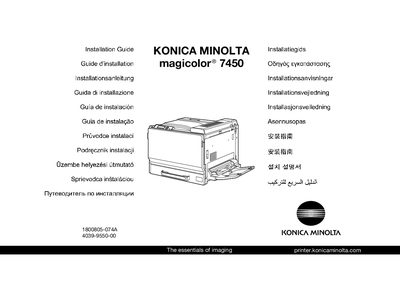
This document is an introduction to the KONICA MINOLTA magicolor® 7450 printer, including information about its weight, dimensions, and the steps to install the printer driver.
This guide provides the necessary steps to install the Konica Minolta magicolor 7450 printer safely. It begins with a reminder to keep all packing materials in case the printer needs to be moved later and directs users to consult the General Information safety guide before starting installation.
The document includes dimensional data, color options, and multilingual safety notices, ensuring that installers can verify space requirements and follow proper handling procedures for the printer and its accessories.
| Width | 100 mm (3.99 in) |
|---|---|
| Depth | 577 mm (22.7 in) |
| Height | 603 mm (23.7 in) |
Unless otherwise instructed, keep all packing materials in case you need to move or ship the printer later.
Consult the safety information in the General Information Guide before installing the printer.