
This document is a manual that describes the various functional operations, usage precautions, and basic troubleshooting methods of the 8650 x-1 printer model. It also highlights the energy-saving features of the product.
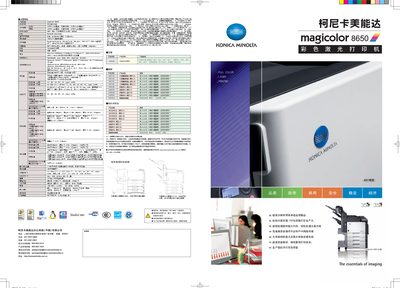
The magicolor 8650 is a full‑color laser printer designed for high‑volume office use, offering up to 35 pages per minute in both single‑ and double‑sided mode, large paper capacity and a range of connectivity options including Ethernet, USB 2.0 and IPv6. It supports a wide variety of media types and includes advanced imaging technologies for high‑quality output.
This manual covers installation, paper handling, network configuration, daily operation, maintenance, and security functions such as user authentication and secure printing. Detailed technical specifications, supported operating systems, and optional accessories are also listed. This manual is written in Chinese.
| Print speed (A4 single‑sided) | 35 pages/min |
|---|---|
| Print speed (A4 double‑sided) | 35 pages/min |
| Maximum paper capacity | 3,650 pages |
| Dimensions (W × D × H) | 708 × 683 × 430 mm |
| Weight | ≈79 kg |
| Power consumption (standby) | ≤200 W |
| Memory | 1024 MB (no expansion) |
The printer can hold up to 3,650 pages of paper.
Secure printing can be enabled by installing authentication components such as AU‑101, AU‑201 and optional IC‑card modules.