
This is the user manual for KONICA MINOLTA magicolor® 7440
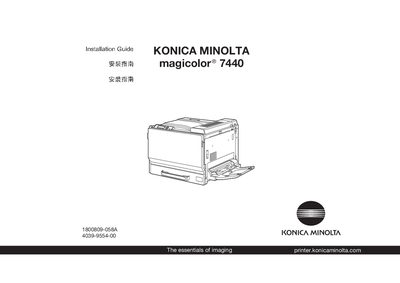
This guide provides instructions for unpacking, moving, and safely handling the magicolor 7440 printer. It explains how to keep packing materials for future relocation and includes safety precautions.
The document walks you through installing the printer driver and utilities on Windows systems, connecting the printer via Ethernet, USB, or parallel ports, and configuring basic printing preferences. It also notes that interface cables are not supplied and points to the User's Guide for detailed operation and maintenance information.
| Supported operating systems | Windows XP/Server 2003, Windows 2000, Windows Me/98SE, Windows NT4.0 |
|---|---|
| Interface cables included | None |
No, the interface cables are not included in shipment.
Insert the magicolor 7440 Software Utilities CD, run the installer, follow the on‑screen prompts, and then configure the printer preferences in Windows.
The printer can be connected via Ethernet, USB, or parallel cable.