
This is an instruction manual for a printer. It contains the model number, dimensions, weight, and how to install the driver, connect to a computer and network.
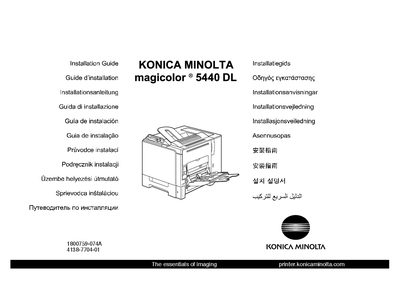
This guide provides the steps needed to install and set up the Konica Minolta magicolor 5440DL printer. It begins with safety information and advises keeping all packing material in case the printer needs to be moved or shipped.
The document walks through driver installation from the supplied CD, connecting the printer via USB or Ethernet, configuring driver settings, and using the status display. It also references the User's Guide and Reference Guide for detailed information on options, consumables, maintenance, and troubleshooting.
Yes, unless otherwise requested, keep all packing materials in case you ever need to move or ship the printer.