
This is the manual of a KONICA MINOLTA brand magiccolor 8650 printer.
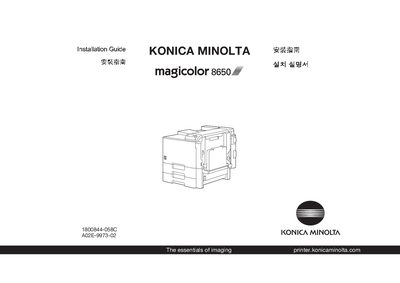
This guide provides step‑by‑step instructions for transporting, unpacking, and installing the Konica Minolta magicolor 8650 printer. It references the Safety Information Guide and outlines required workspace dimensions.
The document also includes sections on working with the printer, troubleshooting common issues, and replacing consumables, helping users get the printer up and running quickly. This manual is written in Chinese.
| Required width | 1198 mm (47.2 in) |
|---|---|
| Required depth | 991 mm (39.0 in) |
| Required height | 2104 mm (82.8 in) |
| Maximum height | 2249 mm (88.69 in) |
Use a transportation company or a service representative to transport the printer and remove it from its packaging.
Consult the Safety Information Guide for safety information before installing the printer.