
This document provides essential information about KONICA MINOLTA printers, including dimensions, paper tray capacity, and power requirements.
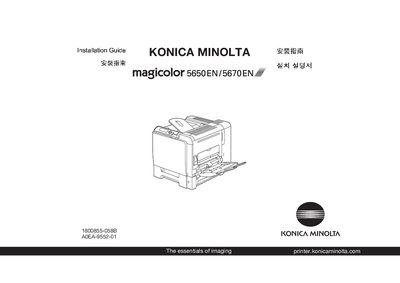
The guide begins with safety information and required space dimensions before you install the magicolor 6560NE/5670. It details the 250‑sheet tray capacity, paper weight limits, and power requirements for both 120 V and 220‑240 V AC supplies.
It then explains how to connect the printer using Ethernet, Parallel, or USB cables (cables are not included) and provides step‑by‑step driver installation instructions for Windows Vista, including USB‑port selection in the Add Printer wizard. The final sections cover basic operation, troubleshooting, and consumable replacement.
| Maximum paper capacity | 250 sheets |
|---|---|
| Supported paper weight | 60‑90 g/m² |
| Power supply (low voltage) | 120 V AC, 50/60 Hz |
| Power supply (high voltage) | 220‑240 V AC, 50/60 Hz |
You need an Ethernet, Parallel, or USB cable; none of these cables are included with the printer.
The paper tray can hold up to 250 sheets.
It can operate on 120 V AC at 50/60 Hz or on 220‑240 V AC at 50/60 Hz.