
The magicolor ® 5550/5570 is a printer with high-quality image printing capabilities. This document provides information on the installation requirements and safety information of the product.
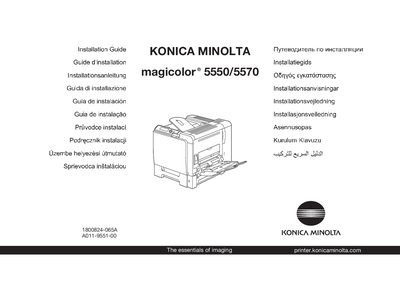
The guide walks you through the initial safety checks, required space, and the basic hardware connections needed to install the magicolor 5550/5570 printer. It references the Safety Information Guide and advises proper disposal of packaging material according to local regulations.
Key installation steps include connecting an Ethernet or Parallel cable (neither is supplied), inserting the magicolor 5550/5570 Printer Driver CD-ROM, and later connecting a USB cable only when instructed. The guide also outlines power requirements and provides basic troubleshooting and consumable‑replacement information.
| Power Supply | 120 V AC, 50/60 Hz (also 220‑240 V AC, 50/60 Hz) |
|---|---|
| Dimensions (approx.) | 420 mm × 284 mm (16.5" × 11.2") |
Yes, the guide instructs you to examine the Safety Information Guide before setting up the printer.
Neither the Ethernet nor the Parallel cable is included in the shipment, and the USB cable should only be connected when instructed.
The USB cable must not be connected until the installation program explicitly instructs you to do so.