
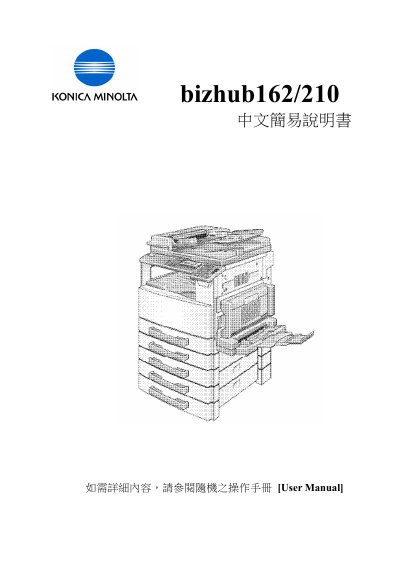
This is the Chinese simplified instruction manual (中文簡易説明書) for the Konica Minolta bizhub 162/210. It states that for detailed information the user should refer to the User Manual supplied with the machine. The pages go through the names of the parts on the operation panel, then the main copy settings step by step with the key presses and display messages shown.
Covered operations include changing the paper size and type for the first tray and the manual bypass tray, fixed and manual zoom plus XY zoom, image mode and density, finishing, erase, book separation, negative/positive, file margin, duplex copying, 2-in-1 and 4-in-1 copying, fax one-touch key registration and reports, and error messages such as paper jam and toner empty. The last page lists Konica Minolta Business Solutions (HK) Limited service and enquiry telephone numbers. This manual is written in Chinese.
| Zoom ratio range | 0.5 to 2.0 |
|---|---|
| XY zoom ratio range | 0.5 to 1.0 |
| Custom paper size X range | 149 to 432 mm |
| File margin width | 10 mm |
| Fax one-touch key numbers | 01 to 27 |
Press Utility, press [2] to select Paper Source Setup and Tray 1 Paper, choose Plain/OHP/Card/Envelope, then select Size Input and enter the X and Y dimensions, confirming each with Yes.
Place all originals in the automatic document feeder, press the copy select key until the 2in1 lamp lights, then press the copy key.
It means toner has to be added; the manual gives the number 2565 2139 for ordering toner and describes pulling out the toner holder and inserting the new toner.
Press Status three times until PRINT REPORT appears on the display, press Yes, select Activity Report, One Touch List or Speed Dial List, then press Yes.