
LaCie d2 Quadra Hard Drive user manual introduces the features and characteristics of the hard disk, including the hard disk's heat management, hard disk connection, and hard disk usage instructions.
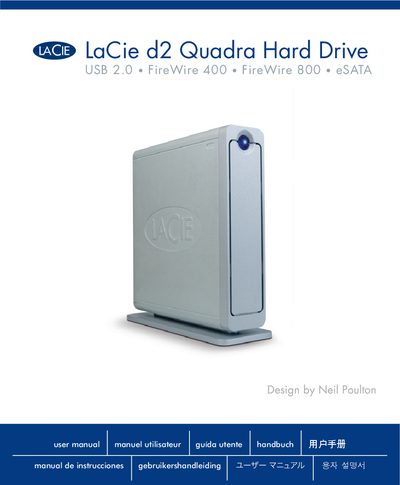
This manual covers health and safety precautions, system requirements, and step‑by‑step installation of the LaCie d2 Quadra external hard drive. It explains how to connect the USB 2.0, FireWire 400, FireWire 800, and eSATA interfaces, as well as how to use the Shortcut Button and manage power and heat.
Additional sections provide formatting guidance, interface comparisons, FAQ for each connection type, troubleshooting tips for Mac and Windows users, warranty information, and a glossary of technical terms.
| Supported interfaces | USB 2.0, FireWire 400, FireWire 800, eSATA |
|---|---|
| Power requirements | 100‑240 V~, 1.5 A, 60‑50 Hz |
| eSATA transfer rate | up to 1.5 Gbits/s |
| Minimum system requirements (Windows) | Windows 2000/XP or later, 500 MHz CPU, 128 MB RAM (512 MB recommended) |
The drive supports USB 2.0, FireWire 400, FireWire 800, and eSATA connections.
It requires 100‑240 V~, 1.5 A at 60‑50 Hz.
No, the Shortcut Button is not compatible with eSATA.