
LaCie d2 USB 3.0 User Manual, introduces the features and characteristics of the product, including product appearance, interface, installation, use, troubleshooting, etc.
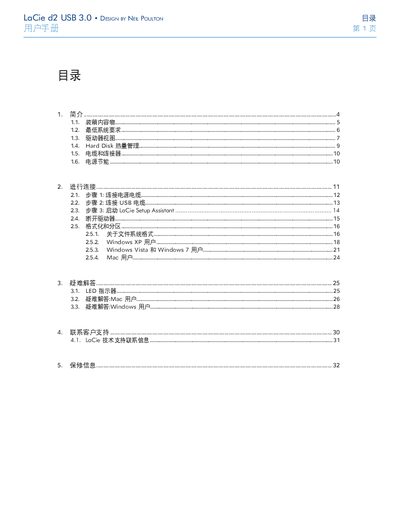
This manual guides users through unpacking, connecting, and configuring the LaCie d2 USB 3.0 external hard drive. It covers required system specifications, cable connections, power‑saving features, and formatting instructions for Windows and Mac.
Additional sections provide heat‑dissipation advice, LED indicator meanings, troubleshooting tips, and contact information for LaCie technical support and warranty service. This manual is written in Chinese.
| Power Input | 100‑240 V~, 1.44 A, 50‑60 Hz |
|---|---|
| Operating Temperature | 0 °C – 35 °C |
| Operating Humidity | 20 % – 80 % non‑condensing |
| Altitude Rating | Up to 2000 m |
| USB 3.0 Transfer Rate | Up to 4.8 Gbit/s |
| USB 2.0 Transfer Rate | Up to 480 Mbit/s |
| Cable Compatibility | USB 3.0 cable compatible with USB 2.0 and 1.1 |
The drive needs a computer with a USB 2.0 or USB 3.0 port, Windows XP, Vista, 7 or Mac OS X 10.5/10.6, and at least 600 MB of free disk space.
If the drive is idle for 30 minutes or the computer is shut down, the drive powers off after a few seconds and can also enter sleep mode by holding the front LED.
Shut down the computer, unplug the power for a short time, then reconnect and power the computer again.