
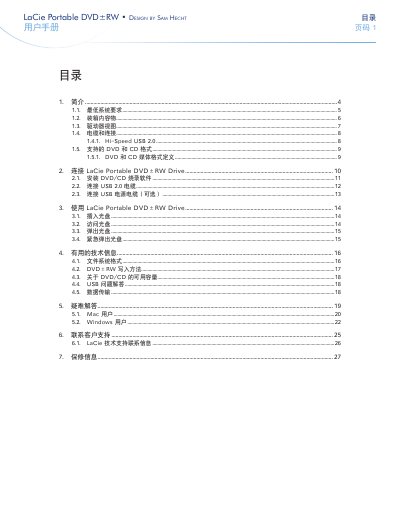
This manual explains how to install and use the LaCie Portable DVD±RW external drive. It covers system requirements, box contents, connector details, supported DVD and CD formats, and step‑by‑step instructions for connecting and operating the device.
Safety precautions, warranty information, and contact details for technical support are also included to help users maintain reliable performance and resolve common issues.
| DVD±R DL write speed | 4x (8.5 GB) |
|---|---|
| DVD±R write speed | 8x (4.7 GB) |
| DVD+RW write speed | 8x (4.7 GB) |
| DVD‑RW write speed | 6x (4.7 GB) |
| CD‑R write speed | 32x (700 MB) |
A USB‑enabled computer running Windows XP or Windows Vista, with a Pentium IV processor or higher and at least 256 MB of RAM.
Insert a straightened paperclip (or similar object) into the emergency eject hole while the drive is powered off and press to release the tray.
The drive supports DVD±R DL, DVD±R, DVD+RW, DVD‑RW, DVD‑ROM, DVD‑RAM, CD‑R and CD‑RW with the speeds listed in the specifications table.