
This user manual provides an introduction to the basic operations of the Philips Xenium 9@9k phone, including how to turn the phone on and off, make calls, receive calls, and use the headset.
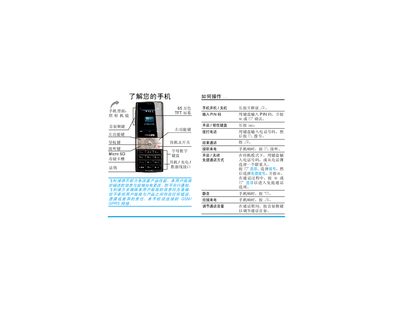
This guide provides step‑by‑step instructions for first‑time use of the Philips Xenium 9@9k mobile phone, including SIM card and battery installation, charging, and power‑on procedures. It also describes how to navigate the main menu, use the keypad, and access functions such as calls, messaging, contacts, multimedia, and tools.
Additional sections cover camera operation, audio playback, WAP browsing, settings adjustments, troubleshooting, warranty information, and environmental compliance. The manual includes safety notes, a list of original accessories, and contact details for Philips service centers. This manual is written in Chinese.
| Screen | 65万色 TFT屏幕 |
|---|---|
| Talk time | 最长通话时间可达17小时 |
| Standby time | 最长待机时间可达1440小时 |
| Micro SD slot | micro SD 存储卡槽 |
| Charging time | 约4个小时充满电 |
Remove the back cover, align the notched corner of the SIM card with the slot, and slide it in until it reaches the end.
Full charging normally takes about four hours.
Press the , key, then select Settings > Sound > Ringtone volume.