
GoGear Aria User Manual, introduces the features and characteristics of the product, including connection, charging, using Windows Media Player 11 to synchronize content, music, audio books, video, pictures, radio, recording, settings, update, troubleshooting
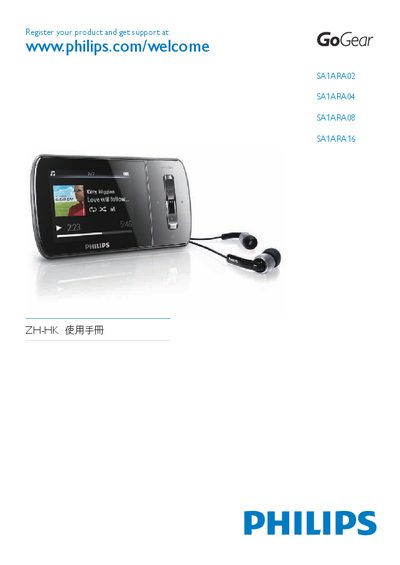
The GoGear Aria is a portable audio player that supports MP3, WMA, video, photo, FM radio and voice‑book playback. The manual covers everything from unpacking the device, installing the supplied software, and transferring media files to using the built‑in functions.
Key sections explain safety information, battery charging, volume‑limit settings, file‑transfer procedures, and troubleshooting steps, helping users get the most out of the player while keeping it safe and compliant with environmental regulations. This manual is written in Chinese.
| Battery capacity | 310 mAh |
|---|---|
| Music playback time | 25 hours |
| LCD screen resolution | 220 × 176 pixels |
| Audio output power | 2 × 3 mW |
| Signal‑to‑noise ratio | > 84 dB |
| Frequency response | 80 Hz – 18 kHz |
Charge the device for about three hours before first use; the charging animation will stop and a battery icon will appear when charging is complete.