
This manual describes how to use the DVD player
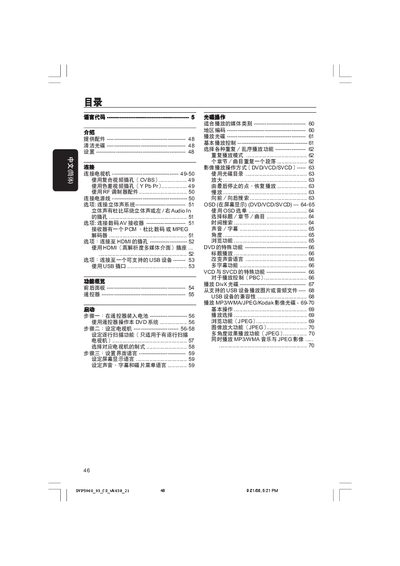
This manual provides step‑by‑step instructions for setting up the Philips DVP5960_93 DVD player, including connecting to a TV via composite, component, HDMI, or RF, and configuring audio and video options. It also covers remote‑control usage, language selection, and basic playback functions such as chapter navigation, repeat modes, and subtitle settings.
Additional sections describe how to clean discs, install accessories, perform system resets, and troubleshoot common issues like no‑disc errors, remote‑control problems, and playback failures. Technical specifications for video/audio formats, power requirements, and physical dimensions are listed at the end of the document. This manual is written in Chinese.
| Dimensions (W × H × D) | 435 × 37 × 235 mm |
|---|---|
| Weight | ≈ 2.0 kg |
| Power supply | 110‑240 V, 50/60 Hz |
| HDMI output resolutions | 480p, 576p, 720p, 1080i |
| Audio formats (digital) | MPEG, AC‑3, Dolby Digital, PCM 16‑24 bit |