
This manual introduces how to set up and use the DVD player. It covers the instructions for connecting to a TV, multi-channel receiver, stereo system, digital AV receiver and USB device. It also provides instructions on how to start up and set up the audio system and how to play discs.
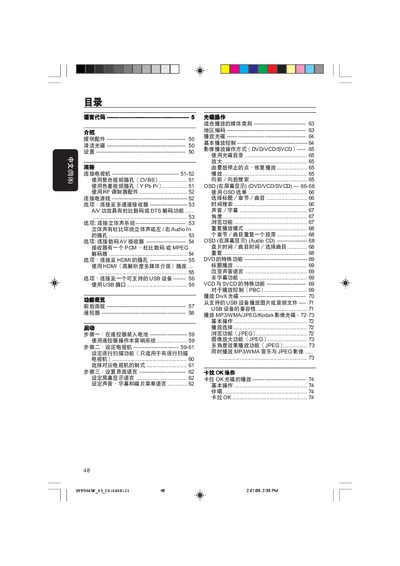
This manual provides step‑by‑step instructions for operating the Philips DVP5965K DVD player, including basic playback controls, menu navigation, and special functions such as DivX and JPEG playback. It also covers how to connect external devices via AV, component, CVBS, USB, RF antenna and HDMI interfaces.
Safety and installation guidelines are included to ensure proper ventilation, correct power connection, and safe handling of the unit. The final section lists the technical specifications of the player, covering video and audio output formats, power consumption, and supported media types. This manual is written in Chinese.
| Video Output Formats | HDMI 480p, 576p, 720p, 1080i |
|---|---|
| Audio Output Level | >90 dB (1 kHz) |
| Standby Power Consumption | <0.8 W |
The standby power consumption is less than 0.8 W.