
This manual provides reference information for the HP PSC 2400 series all-in-one. This manual covers how to install and set up the all-in-one, how to use the all-in-one's various features, how to print, scan, and copy, and how to troubleshoot problems.
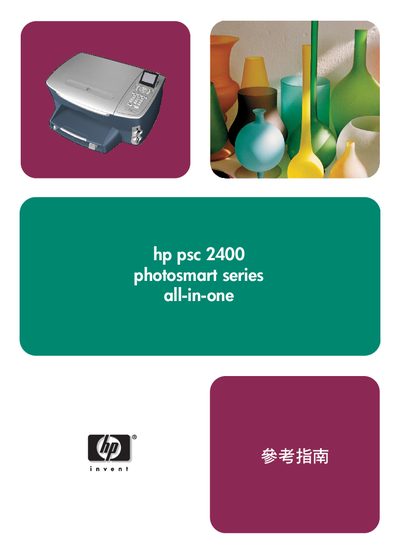
This reference guide introduces the HP PSC 2400 Photosmart all‑in‑one printer, describing its main functions such as printing, scanning, copying, faxing and photo card printing. It explains how to use the front‑panel controls, menu system, and the HP Administrator software for advanced features.
The manual covers loading paper and media, configuring print settings, using photo memory cards, performing scans and faxes, ordering consumables, routine cleaning, troubleshooting, warranty information and where to obtain technical support. This manual is written in Chinese.
The maintenance chapter (page 71) instructs you to clean the glass plate as part of regular cleaning procedures.
Technical support information is provided in the “取得 hp psc 支援” section, with the website www.hp.com/support listed for online assistance.