
The HP Officejet 7200 All-in-One series user manual describes the features and characteristics of the products in this series.
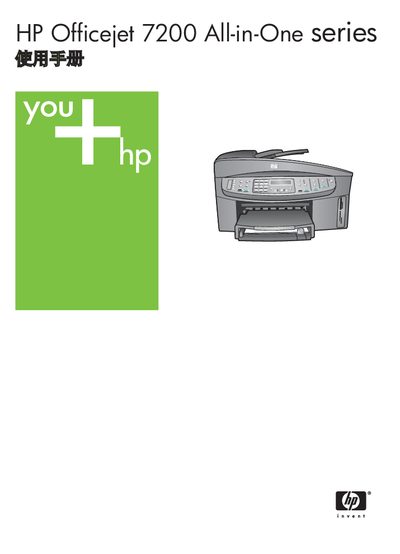
This manual covers everything you need to operate the HP Officejet 7200 All-in-One printer, including an overview of the device, control panel functions, menu navigation, and detailed instructions for printing, copying, scanning, faxing, and using HP Image Zone. It also explains network connectivity options such as Ethernet and USB, and provides guidance for installing ink cartridges and loading paper.
Additional sections address maintenance, troubleshooting, and ordering consumables. Technical specifications such as print resolution, paper capacity, power consumption, and supported storage cards are listed for quick reference. This manual is written in Chinese.
| Print resolution | 1200 × 1200 dpi (black), 2400 × 1200 dpi (color) |
|---|---|
| Print speed (optimal) | Black‑white 2 ppm, Color 2 ppm |
| Physical dimensions | Height 290 mm × Width 381 mm × Length 502 mm |
| Power consumption | Maximum 75 W |
| Supported storage cards | CompactFlash, SmartMedia, Memory Stick (various), SD, MMC, xD‑Picture Card |