
This is the user manual for the HP Deskjet F2100 All-in-One series, which mainly introduces the use methods, maintenance methods and troubleshooting methods of this series of products.
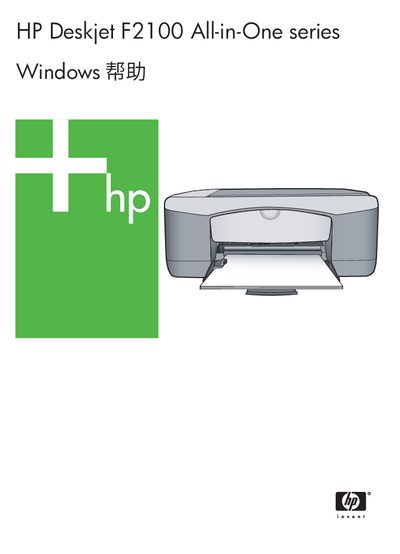
This manual covers the HP Deskjet F2100 All-in-One printer, describing its main features, control‑panel buttons, status indicators, and the HP Photosmart software. It guides users through loading paper and media, connecting the device, and using the printer from a computer.
Detailed sections explain how to print, copy, and scan documents, adjust settings such as paper size, resolution, and duplex mode, and perform routine maintenance like cleaning the glass plate and replacing ink cartridges. Troubleshooting tips, warranty information, and technical specifications are also included. This manual is written in Chinese.
| Standard paper weight | 20 to 24 lb (75 to 90 g/m²) |
|---|---|
| Maximum optical scan resolution | up to 1200 × 2400 ppi |
| Scan color depth | 48‑bit color, 8‑bit grayscale (256 levels) |