
HP PSC 2350 series all-in-one user manual, introduces the features and characteristics of the product, including control panel overview, use HP Image Zone to perform more operations on HP all-in-one, find more information, connection information, etc.
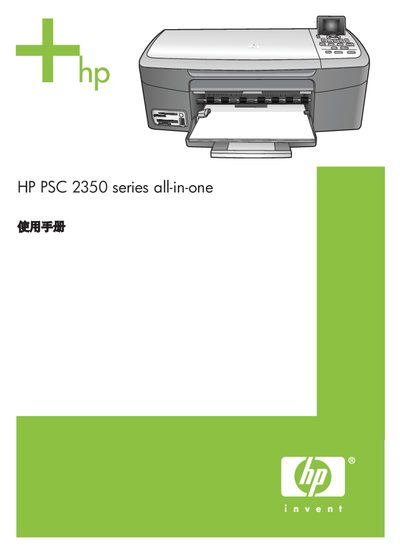
This manual introduces the HP PSC 2350 series all‑in‑one, covering hardware features, control‑panel layout, and the HP Image Zone software that adds extra photo and document functions. It explains how to load paper, install ink cartridges, and connect the device via USB, network or wireless options.
Detailed sections guide users through printing, copying, scanning, using storage‑card or PictBridge cameras, and sharing images with HP Instant Share. The guide also includes troubleshooting steps, maintenance procedures, warranty information, and a full technical specifications chapter. This manual is written in Chinese.
| Print resolution (black) | 600 x 600 dpi |
|---|---|
| Print resolution (color) | 1200 x 1200 dpi |
| Copy speed (black) | 23 ppm |
| Copy speed (color) | 18 ppm |
| Scan optical resolution | 1200 x 4800 dpi |
| Physical height | 17.2 cm |
| Physical length | 44 cm |
| Physical width | 28.4 cm |
| Weight | 5.5 kg |
| Maximum power consumption | 80 W |
The device supports CompactFlash, SmartMedia, Memory Stick, Memory Stick Duo, Memory Stick Pro, Secure Digital, MultiMediaCard (MMC) and xD‑Picture Card.
Follow the cleaning instructions in the manual, which cover cleaning the glass plate, cover liner, exterior, and ink‑jet nozzles.
The unit operates on 90 – 240 V AC, 1 A, 47 – 63 Hz, with a grounded outlet required.