
LaCie Big Disk Extreme+ is a three-interface external hard drive that supports USB 2.0, FireWire 400, and FireWire 800, with a maximum capacity of 1TB.
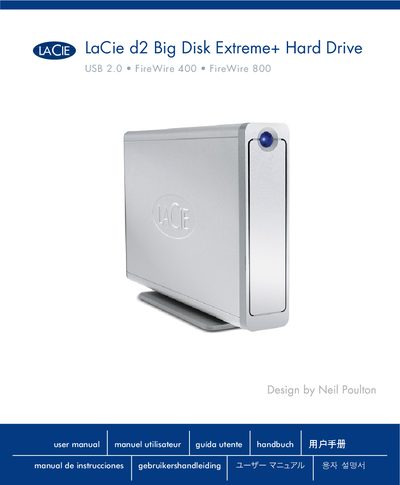
This manual introduces the LaCie d2 Big Disk Extreme+ external hard drive, describing its physical features, safety warnings, and the shortcut button for quick access. It explains how to connect the drive using USB 2.0, FireWire 400, or FireWire 800 and outlines compatible operating systems.
The guide also covers basic operation, power requirements, environmental limits, and troubleshooting tips. Detailed specifications such as voltage, current, temperature range, and humidity are listed for reference.
| Input Voltage | 100‑240 V |
|---|---|
| Operating Temperature | 5 °C to 35 °C (41 °F to 95 °F) |
| Supported Interfaces | USB 2.0, FireWire 400, FireWire 800 |
It supports USB 2.0, FireWire 400, and FireWire 800 connections.
The drive works with Windows 2000, Windows XP, Windows Vista, and Mac OS 10.2.8 and later.
It requires an input voltage of 100‑240 V and draws up to 1.5 A.