
The Dell Inspiron 3137 Quick Start Guide introduces the features and characteristics of the Dell Inspiron 3137.
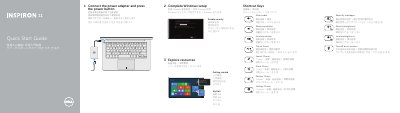
This quick start guide for the Dell Inspiron 3137 computer provides setup steps and reference information in English, Chinese, Japanese, and Korean. It covers completing Windows setup, enabling security, getting started, My Dell resources, and shortcut keys for audio, volume, charms, recent apps, brightness, and wireless.
The guide also lists support and regulatory links and labels the computer features: camera-status light, camera, microphones (2), security-cable slot, network port, USB 2.0 port, media-card reader, right-click and left-click areas, hard-drive activity light, power/battery-status light, headset port, USB 3.0 ports (2), HDMI port, power-adapter port, and power button.
| Microphones | 2 |
|---|---|
| USB 3.0 ports | 2 |
| USB 2.0 port | Included |
| HDMI port | Included |
| Media-card reader | Included |
| Regulatory model and type | P19T; P19T001 |
Connect the power adapter and press the power button.
The computer has two USB 3.0 ports.
Dell lists dell.com/support for more information.
Visit dell.com/contactdell.