
Latitude 3380 Quick Start Guide
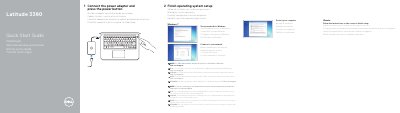
This is the multilingual quick start guide shipped with the Dell Latitude 3380 computer. It walks through the first steps: connecting the power adapter and pressing the power button, finishing the operating system setup, setting a password for Windows, and connecting to a network.
The guide also notes that SIM card installation instructions are in the Owner's Manual at Dell.com/support, and that a password is needed when joining a secured wireless network. A labeled features page identifies the microphone, camera, power button, Noble Wedge lock slot, USB 3.0 ports, battery status light, universal audio port, speakers, touchpad, microSD card reader, HDMI port, network port, power port connector and service tag label, and lists Dell support and contact web addresses.
| USB ports | USB 3.0 ports, one with PowerShare |
|---|---|
| Video output | HDMI port |
| Card reader | microSD card reader |
| Security slot | Noble Wedge lock slot |
| Network port | Network port |
Connect the power adapter and press the power button.
Set a password for Windows when you finish the operating system setup.
They are in the Owner's Manual at Dell.com/support.
Enter the password for the wireless network access when prompted.