
The Dell Precision 7520 laptop quick start guide.
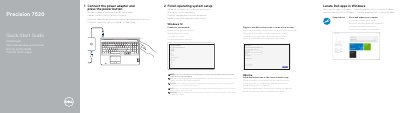
This quick start guide explains how to set up a Dell Precision 7520 laptop: connect the power adapter, press the power button, finish operating system setup for Windows 10 or Ubuntu, connect to a network, sign in, and locate Dell apps and SupportAssist.
It also provides a numbered feature overview of ports and controls, including USB 3.0 ports with PowerShare, Mini DisplayPort, HDMI, Thunderbolt 3 over Type-C, and optional fingerprint and smart card readers, plus support, manual, regulatory, and model information.
| Regulatory model | P53F |
|---|---|
| Regulatory type | P53F002 |
| Computer model | Precision 7520 |
| Fingerprint reader | Optional |
| Contactless smart card reader | Optional |
| Smartcard reader | Optional |
Connect the power adapter and press the power button, then finish operating system setup.
The guide lists Dell.com/support, Dell.com/support/manuals, and Dell.com/support/windows.
The regulatory model is P53F.
Yes, it lists an optional fingerprint reader, contactless smart card reader, and smartcard reader.