
Dell Vostro 5370 Quick Start Guide
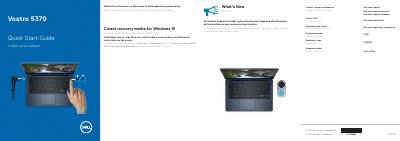
This quick start guide helps complete operating system setup and points to Dell product support, manuals, and regulatory compliance information for the Vostro 5370.
It also highlights the optional fingerprint reader integrated with the power button and identifies external components such as the camera, USB ports, HDMI port, microSD card reader, touchpad, and speakers.
| Regulatory model | P87G |
|---|---|
| Regulatory type | P87G001 |
| Computer model | Vostro 5370 |
In Windows search, type Recovery, click Create a recovery drive, and follow the instructions on the screen.
The fingerprint reader is an optional purchase integrated with the power button.
Dell lists product support and manuals at Dell.com/support and Dell.com/support/manuals.