
The Dell Latitude 7280 Quick Start Guide provides information on how to connect the power adapter, set up Windows 7, connect to a network, and protect your computer.
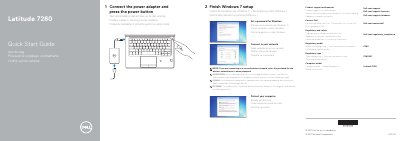
This two-page quick start guide for the Dell Latitude 7280 computer walks through initial setup: connecting the power adapter, pressing the power button, finishing Windows 7 setup, setting a Windows password, connecting to a network, and protecting the computer. It also lists product support links and regulatory and safety information, with the regulatory model P28S and regulatory type P28S001.
The guide includes a labeled feature diagram covering the camera, microphones, power button, security cable slot, network port, USB 3.0 ports, microSD and USIM ports, headset port, optional fingerprint reader and NFC sensor, speakers, touchpad, optional smartcard reader, HDMI port, DisplayPort over USB Type-C with optional Thunderbolt 3, power connector port, and service tag label. Instructions and labels appear in English, Dutch, Polish, and Slovenian.
| Computer model | Latitude 7280 |
|---|---|
| USB 3.0 port | With PowerShare |
| DisplayPort | USB Type-C with optional Thunderbolt 3 |
| Fingerprint reader | Optional |
| NFC sensor | Optional |
| Smartcard reader | Optional |
Connect the power adapter and press the power button.
The guide describes finishing Windows 7 setup.
Enter the wireless network password when prompted.
Dell lists Dell.com/support and Dell.com/support/manuals.