
The Dell Latitude 14 5000 Series Notebook Quick Start Guide.
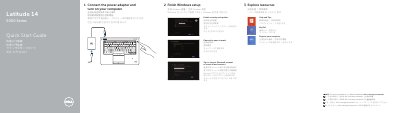
This Quick Start Guide walks new owners of the Dell Latitude 14 5000 Series notebook through the first steps: connecting the power adapter and turning on the computer, finishing Windows setup, enabling security and updates, connecting to a network, and signing in to a Microsoft account or creating a local account. It also points to resources such as Help and Tips, My Dell, and computer registration, and refers readers to the Owner's Manual at dell.com/support/manuals.
The second part identifies the notebook's features with a numbered diagram, including the network connector, VGA and HDMI connectors, USB 3.0 ports (one with PowerShare), camera, microphones, power button, touchpad, memory-card reader, and optional items such as a fingerprint reader, smart-card readers, and dock connector. It closes with support links, contact information, and regulatory details (model P48G, type P48G001).
The guide states that more information is available in the Owner's Manual at dell.com/support/manuals.
Yes, a fingerprint reader is listed among the notebook's features as an optional component.