
Quick Start Guide for HP computers, introducing the basic components and functions of the computer.
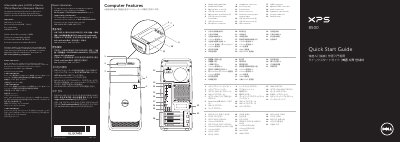
This Quick Start Guide introduces the Dell XPS 8500 computer. It identifies the computer's basic components and interfaces with a numbered diagram, including the media-card reader, USB 2.0 and USB 3.0 connectors, optical drives, power button, network connector, audio connectors, expansion-card slots and security features.
The guide then walks through the initial setup: connecting the keyboard and mouse, the display (with a table of VGA, DVI, HDMI and DisplayPort connection types), the optional network cable and the power cable, followed by Windows setup. It also explains where to find the service tag and includes regulatory information for Mexico and links to Dell support resources.
| Regulatory model | D03M |
|---|---|
| Computer model | XPS 8500 |
| Input voltage | 100–240 VAC |
| Input frequency | 50–60 Hz |
| Rated input current | 8.0 A/4.0 A |
Connect the display to the connector on the discrete graphics card instead of the onboard connectors.
No, the guide notes that you should not use the @ symbol in your Windows password.
Click Start → All Programs → Dell Help Documentation or go to support.dell.com/manuals.
Go to dell.com/ContactDell, or call 800-WWW-DELL (800-999-3355) if you are in the United States.