
This document describes how to set up a Dell wireless keyboard and mouse.
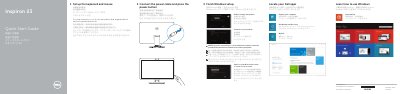
This guide helps you set up the wireless keyboard and mouse with your Dell Inspiron 2350. Connect the power cable and press the power button to start. For detailed setup, refer to the documentation that shipped with the wireless peripherals.
The guide also includes instructions for connecting to a wireless network, signing in to a Microsoft account, and accessing Dell support resources. This manual is written in Chinese.
The Intel RealSense 3D Camera is listed as an optional feature on this computer.
It has two USB 3.0 ports, two USB 2.0 ports, an HDMI-out port, an HDMI-in port, a network port, a headset port, an audio-out port, a media-card reader, and a power-adapter port.
The regulatory type is W07C002.
Enter the password for wireless network access when you are prompted during setup.