
The Dell XPS 13 9333 Laptop Quick Start Guide.
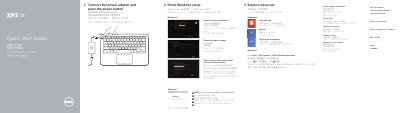
This Quick Start Guide is for the Dell XPS-13-9333 laptop. It covers connecting the power adapter, pressing the power button, finishing Windows setup, registering the computer, enabling security and updates, signing in to a Microsoft account or creating a local account, and connecting to a network.
The document lists product features including the ambient-light sensor, camera, digital microphones, Mini DisplayPort, USB 3.0 ports with PowerShare, battery-status button and lights, and headset port. It also provides shortcut keys for display, wireless, brightness, keyboard backlight, media playback, volume, and audio mute, plus Dell support and regulatory website links.
| Regulatory model and type | P29G P29G003 |
|---|---|
| Digital microphones | 2 |
| Battery-status lights | 5 |
Connect the power adapter and press the power button.
Do not use the @ symbol.
Visit the Dell product support and manuals pages.