
The Dell Inspiron 15-5555 Series Notebook Quick Start Guide provides step-by-step instructions on how to connect the power adapter, complete the operating system setup, connect to a network, and sign in to your Microsoft account or create a local account.
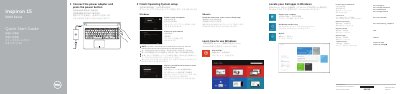
This quick start guide for the Dell Inspiron 15-5555 notebook shows how to connect the power adapter, turn on the computer, and complete operating system setup. It also identifies the notebook's ports, controls, and shortcut keys.
The guide includes product support and manual links, regulatory information, and Windows setup notes. It is presented in English, Chinese, Japanese, and Korean.
| USB 2.0 ports | 2 |
|---|
Product support and manuals are available from Dell.
The computer model is Inspiron 15-5555.
Follow the instructions on the screen to finish setup.