
The Dell Precision 3510 Quick Start Guide introduces the features and functions of the product.
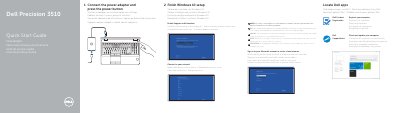
This guide helps you set up your Dell Precision 3510 quickly. It covers connecting power, locating Dell apps, registering your computer, and finishing Windows 10 setup. It also explains how to connect to your network and sign in to your Microsoft account.
The guide details the device’s physical features, including ports, connectors, and optional components like fingerprint readers and Thunderbolt 3. It includes regulatory and safety information and directs users to Dell’s support resources.
Connect the power adapter and press the power button.
Enter the password for the wireless network access when prompted.
The Thunderbolt 3 connector is an optional feature on the device.